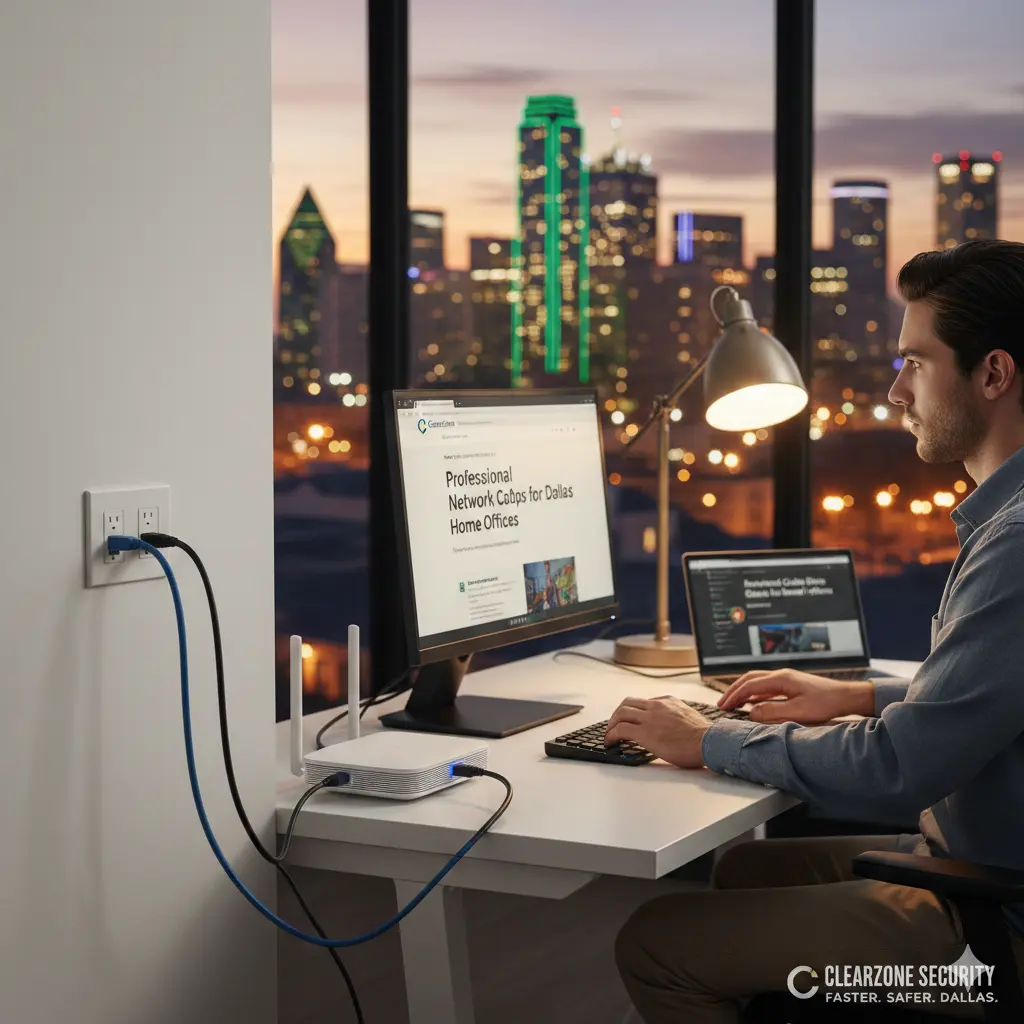
In 2026, a “good” internet connection isn’t just a luxury—it’s the engine of your career. If you are working from a home office in Dallas, you know the frustration of a Zoom call freezing right when you’re about to close a deal. Most people blame their internet provider, but the real culprit is often a weak Wi-Fi signal trying to push through Texas brick and drywall.
The solution? Professional network cable drops. In this guide, we will break down why hardwiring your home office is the best investment you can make this year, how it works, and why ClearZone Security is the top choice for network installation in Dallas.
What is a Network Cable Drop?
To put it simply, a network cable drop is a professional installation where a high-speed data cable (like Cat6 or Cat6A) is run through your walls directly from your router to a specific room.
Instead of relying on invisible Wi-Fi waves that bounce off mirrors and furniture, your computer gets a direct, “hardwired” physical link. This results in 100% of your internet speed reaching your desk without any interference.
5 Reasons Dallas Professionals are Switching to Wired Connections
1. Zero Lag and “Gigabit” Speeds
Wi-Fi signals are prone to “jitter” and latency. If you do video conferencing, day trading, or large file uploads, even a split-second delay matters. A professional network installation ensures you get the full speed you pay for. Whether you are using Fiber or high-speed Cable internet, a wired Cat6 drop delivers consistent, lightning-fast performance.
2. Wi-Fi 7 and Future-Proofing
2026 is the year of Wi-Fi 7. While wireless is getting faster, Wi-Fi 7 access points actually require high-quality wired backbones to work correctly. By installing network cable drops now, you are preparing your home for the next decade of technology.
3. Better Security
Wireless signals can be intercepted. A physical Ethernet cable is much harder to hack. For Dallas professionals handling sensitive client data, legal documents, or financial records, a wired connection adds an essential layer of “physical security” that Wi-Fi simply cannot match.
4. Reliable Security Camera Integration
At ClearZone Security, we often see home offices that also serve as the “hub” for home security. If you have security cameras or an alarm system, they perform best when they aren’t fighting your laptop for Wi-Fi bandwidth. A dedicated network drop keeps your security and your work on separate, stable lanes.
5. Increased Property Value
In the Dallas real estate market, a “smart-wired” home is a huge selling point. Buyers in neighborhoods like North Dallas, Plano, and Lakewood are specifically looking for homes that are “work-from-home ready” with professional network cabling.
The ClearZone Process: Moving, Replacing, and Relocating
Sometimes, you don’t just need a new line—you need to fix an old one. Our team specializes in the full lifecycle of home networking:
- Network Cable Relocation: Did you move your desk to the other side of the room? We can relocate your existing data jacks so your office stays clean and wire-free.
- Router Replacement & Setup: If your internet feels slow, it might be an outdated router. We provide expert router replacement and configuration to ensure your network is optimized for your specific house layout.
- Cleaning Up the “Spiderweb”: We take those messy wires hanging behind your desk and turn them into professional wall plates.
Why DIY is Risky for Data Cabling
It’s tempting to try and run a cable yourself, but professional network installation in Dallas requires knowledge of local building codes and “low-voltage” expertise.
If you run a data cable too close to an electrical line, you’ll get “interference” that slows your internet down. If you drill into the wrong spot, you could hit a water pipe or a power line. Our technicians use professional-grade tools to “fish” wires through walls without making a mess, ensuring a clean, hidden finish.
Commercial-Grade Quality for Your Home
Because ClearZone Security handles both commercial and residential clients, we bring “big business” technology to your home office. We don’t just “run a wire.” We:
- Map the Route: Finding the shortest, cleanest path.
- Install the Drops: Using high-quality Cat6A or Fiber where needed.
- Test the Speed: We use professional testers to verify that every drop is hitting its maximum rated speed.
- Label Everything: No more guessing which wire goes where.
Frequently Asked Questions (People Also Ask)
How much does it cost to add a network drop in Dallas?
Pricing depends on the length of the run and the “difficulty” of the walls (e.g., first floor vs. second floor). However, a professional drop is often much cheaper than the lost productivity of a single week of bad internet.
Can I relocate my router to a central closet?
Yes! This is a very popular request. We can relocate your router to a central “hub” and then run cable drops to every room in the house, giving you perfect Wi-Fi and wired ports everywhere.
What is the best cable for 2026?
We currently recommend Cat6A for most Dallas home offices. It supports up to 10Gbps speeds, which means you won’t need to replace it for a long, long time.
Conclusion: Take Control of Your Connection
Don’t let a “spotty” Wi-Fi signal hold back your career. If you are tired of the spinning wheel of death during meetings, it’s time for a professional upgrade.
From network cable drops and router replacement to fully integrated security cameras and access control, ClearZone Security is your local Dallas partner for a faster, safer home.
Ready to boost your home office?
Contact ClearZone Security today for a free quote on network installation in Dallas and the DFW area.